Alright so hope this helps some other folks because I just spent several hours today figuring this out.
This solves the issue for me. Breakdown below.
Solution: hybrid GHCR + Greenbone registry (aarch64, verified April 2026)
Was attempting to setup community edition on an NVIDIA DGX Spark (Ubuntu 24.04, aarch64). After much much debugging, here’s what I found and what fixed it.
Problem:
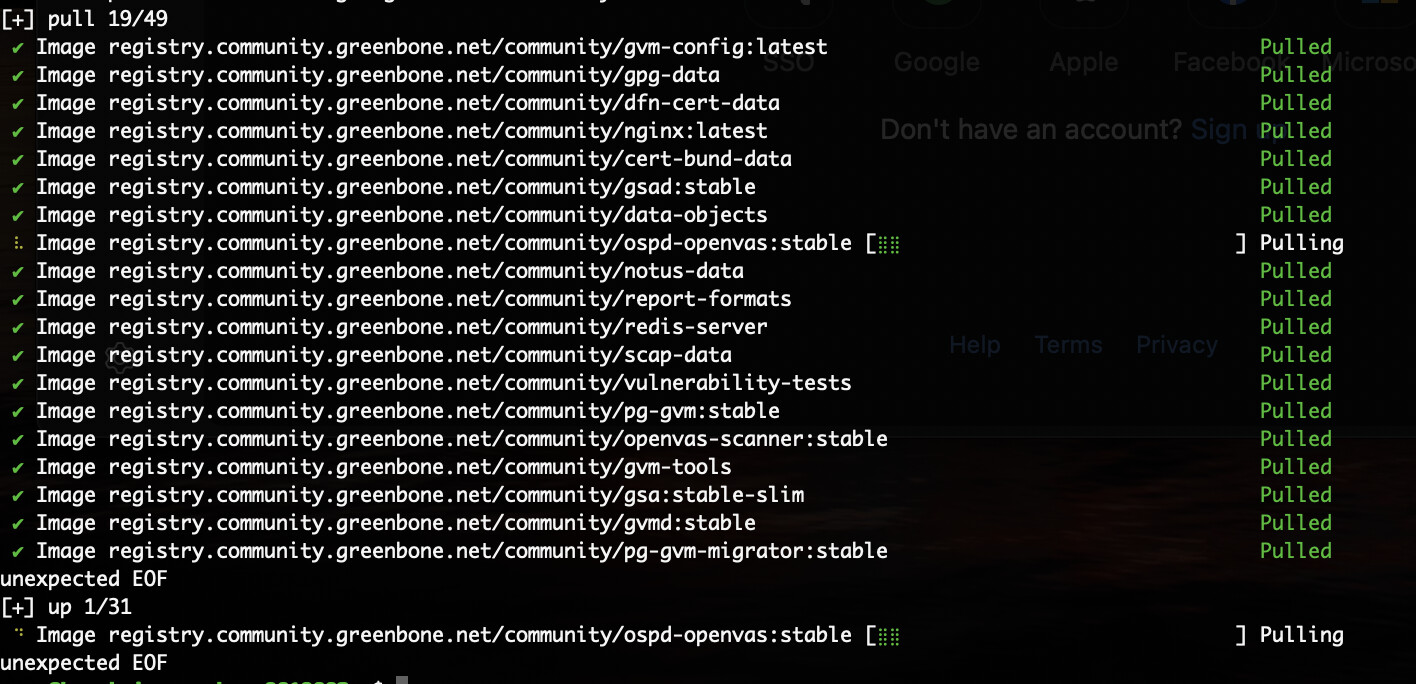
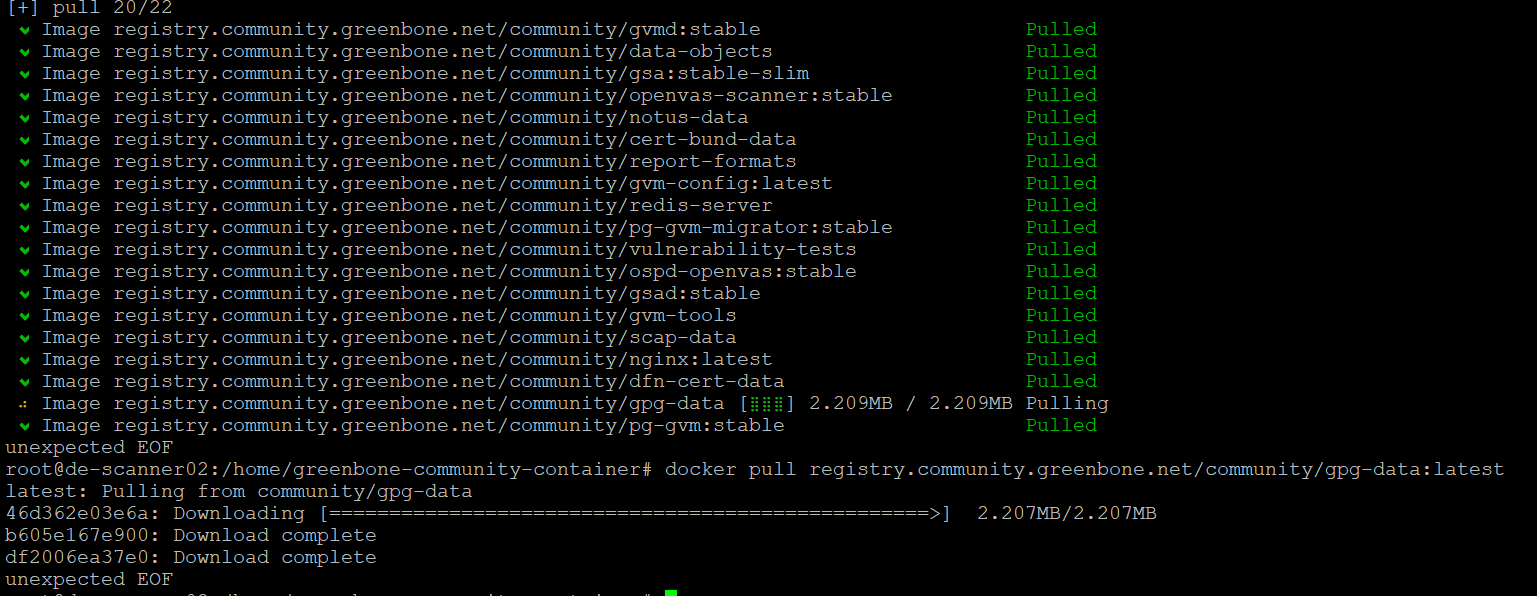
Greenbone registry CDN serves broken blob streams. Manifests resolve fine, but the layer downloads die mid-stream. Docker/Podman see this as “unexpected EOF”. Retries don’t help, it’s server-side.
The fix:
On this commit: Chore: change community.greenbone to ghcr.io · greenbone/openvas-scanner@6cff36c · GitHub from March 2026, Greenbone’s own CI migrated core images to GHCR. The same images that fail from the Greenbone registry pull cleanly from GHCR.
But not everything is on GHCR. Feed images aren’t published there and redis-server only has an amd64 version. Fortunately, those images aren’t affected by the blob issue.
So the solution is a hybrid approach.
For gvmd, gsad, openvas-scanner, ospd-openvas, pg-gvm, pg-gvm-migrator, openvasd, gvm-tools, gvm-config, and nginx use ghcr.io/greenbone/*.
For vulnerability-tests, notus-data, scap-data, cert-bund-data, dfn-cert-data, data-objects, report-formats, and gpg-data use registry.community.greenbone.net.
And for redis-server use registry.community.greenbone.net as well as the GHCR version is amd64 only.
Then pin every image to a @sha256: digest so a future registry change doesn’t silently reintroduce the problem.
Bonus:
I’ve experienced this as well so figured I’d throw my solution in here in case any of you experienced it as well.
pg-gvm stale lockfile:
In my experience on several systems (Mac, Ubuntu, and just in general various x86/AMD64 systems), pg-gvm can leave a stale /var/run/postgresql/.s.PGSQL.5432.lock after an unclean shutdown. The upstream start-postgresql script doesn’t clean it. To fix:
pg-gvm:
  stop_grace_period: 60s
  command:
    - /bin/sh
    - -c
    -  |
       rm -f /var/run/postgresql/.s.PGSQL.5432.lock
       exec /usr/local/bin/start-postgresql
Tested on multiple systems and solves both issues for me. Feedback welcome.