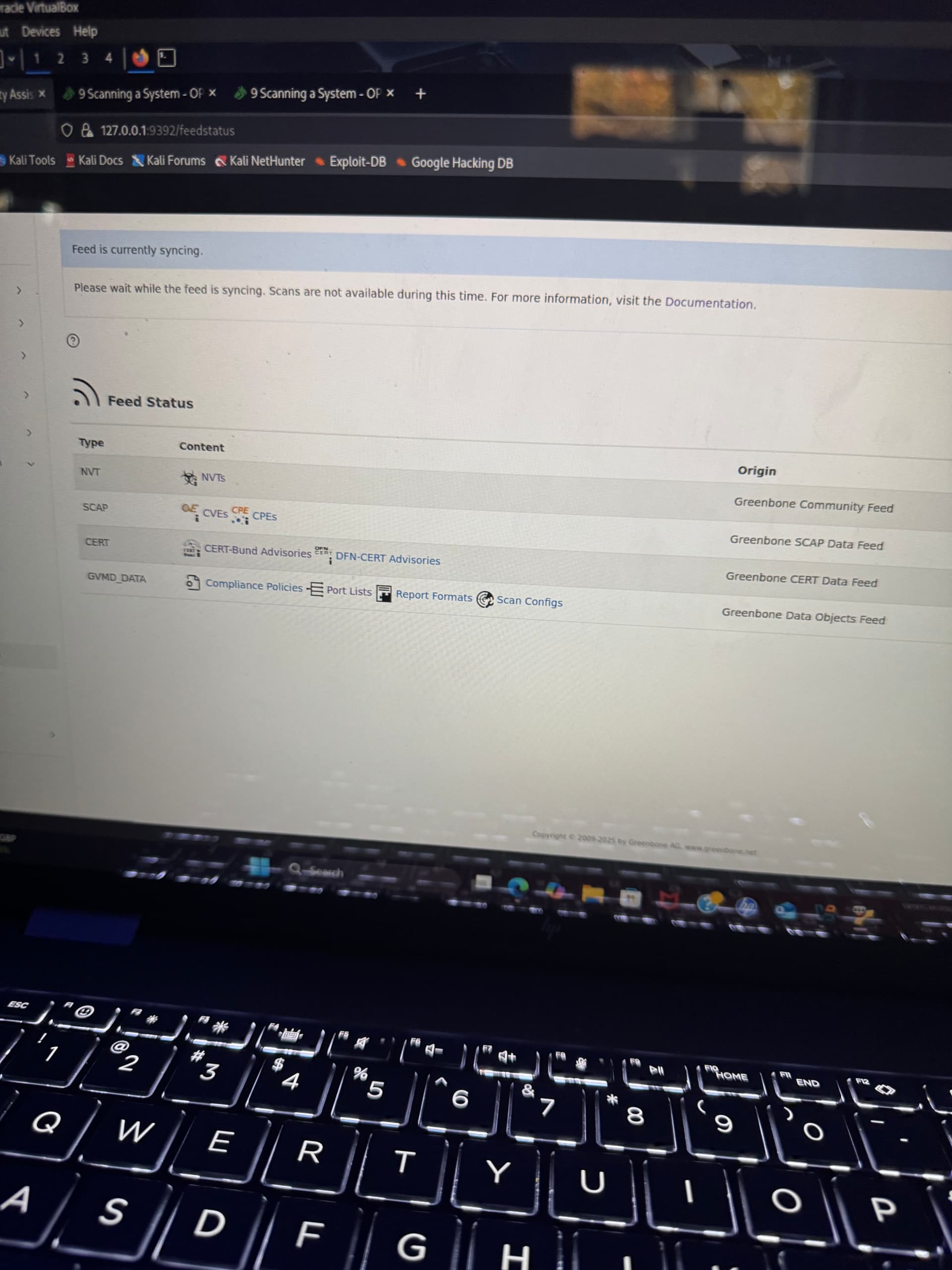
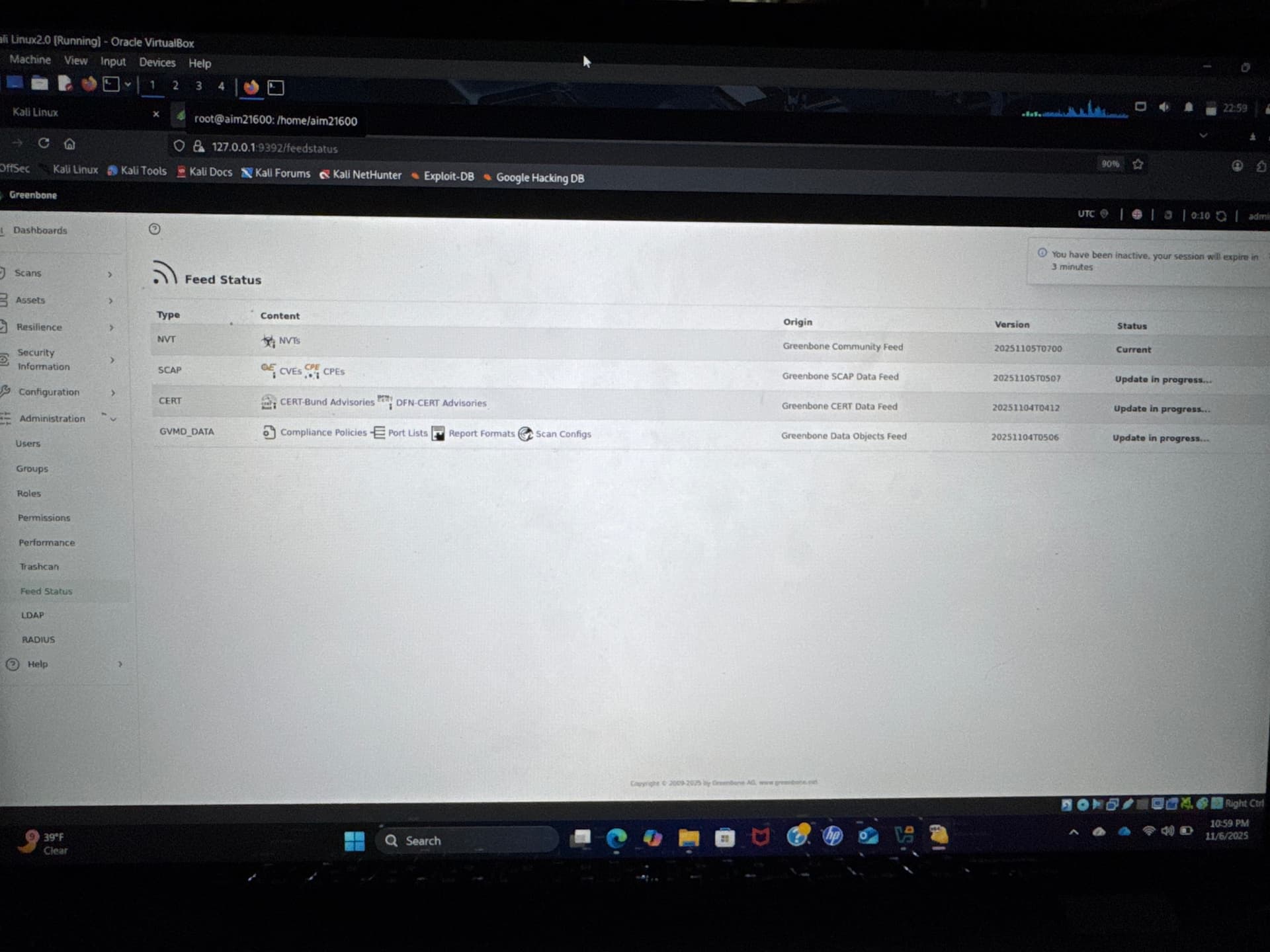
I am currently a student stuck on a class project. I am having issues syncing and because of that I cannot scan.I have let my computer sit for 10+ hours and still the scanners are still not synced. I’m not to sure what I’ve done wrong but from the questions and SS I have provided to fellow students everything I did was correct. I have started and stopped the processes as well I have tried to reinstall on a different VM but again it’s not working. I have tried to reach out to my teacher and deen both but all my teacher said was there is no work around and provided me with another VM… would love some help and would be willing to provide more SS once I’m out of work.
So as of right now I have 3 processors on my VM. I did read 4 is recommended so I will fix that. The NVT was up to date then went back to “update in progress”. I also tried just now to look at the logs and it says docker not found. I’m assuming I’ll need to have that downloaded as well to see what the actual issue may be ?
So I’ve seen multiple videos, one of which is manually downloading through the terminal which was the case for the first screenshot. This second one I did i followed the directions for the virtual machine download, by downloading the file and importing it to virtual box. So because it’s now 2 separate machines will greenbone/openvas still sync to kali? It’s still on the update process considering it is now its own machine, or would I have to sync that data to kali after greenbones/openvas VM is done updating.