I need to exclude some NVTs (not whole families) but I’m having problems.
Since the web GUI doesn’t allow you to do it, I’m using the modify_scan_config_set_nvt_selection() function. After I edit the NVTs selection, the GUI shows me the expected NVTs selection which I forced through the API.
Nevertheless, a scan using such a scan config ignores the single NVTs selection and still scans the whole family of NVTs (seen both from logs and from running processes).
I’ve also seen that if you exclude a whole NVTs family, some NVTs still get executed, for example DDI_Directory_Scanner.nasl of the family Service Detection.
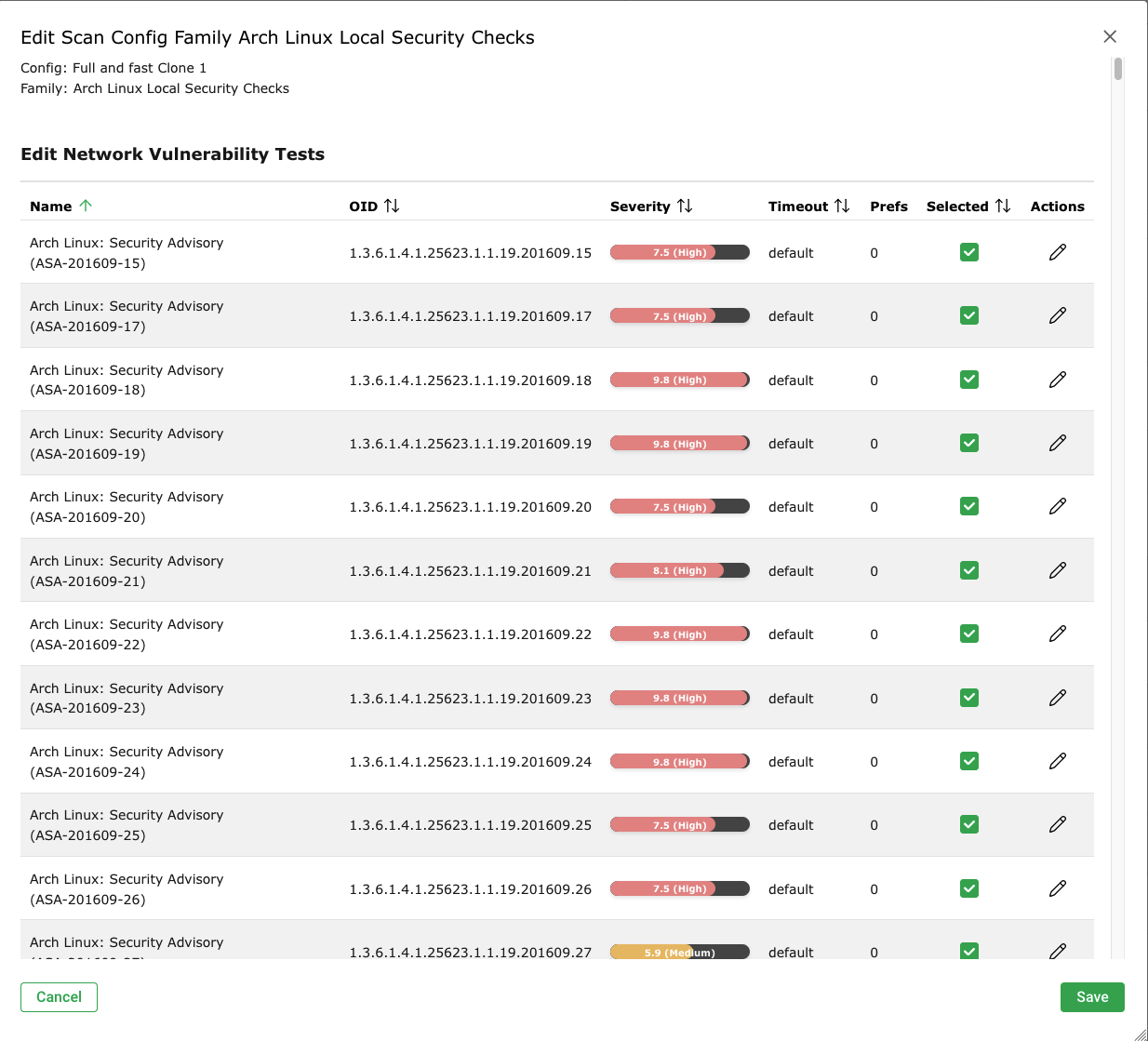
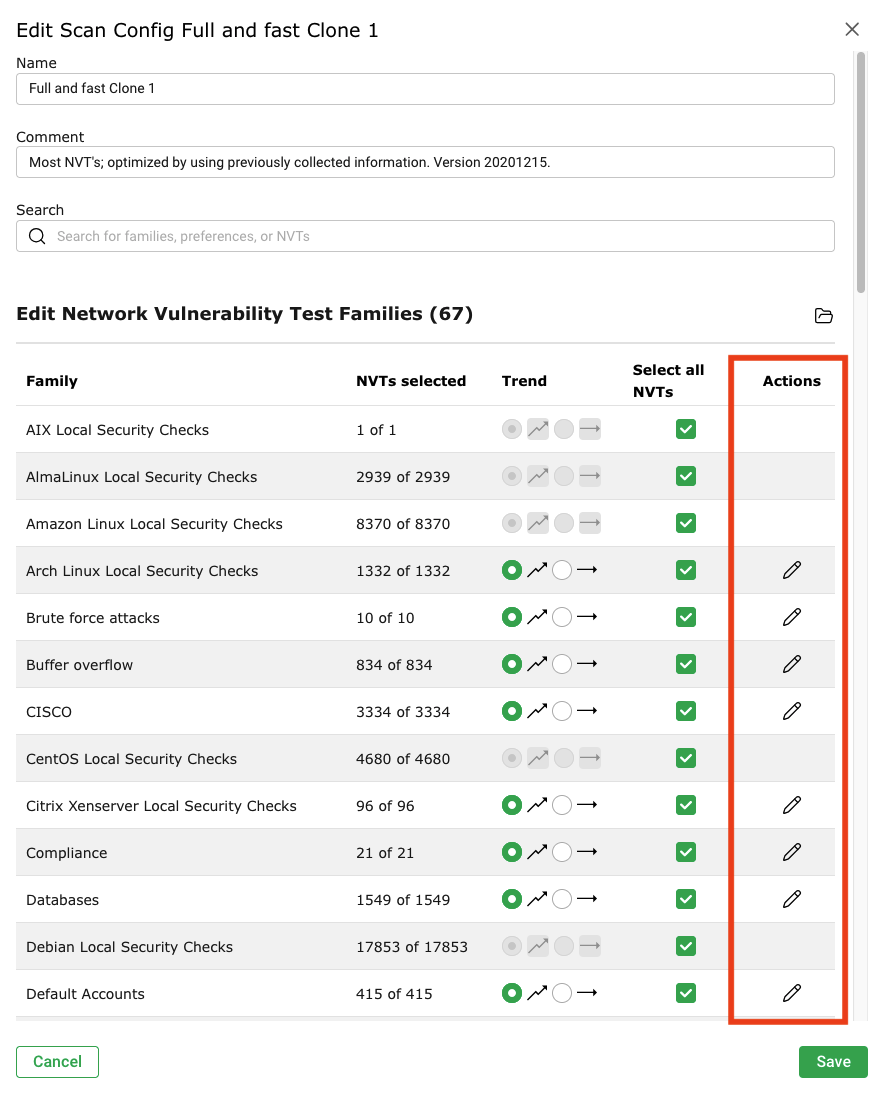
I’m not sure why you claim that individual VTs cannot be enabled/disabled from the GUI. This is possible for some VT families, but not all (see the screenshots). I’m not immediately sure why some families do not have this feature, but perhaps someone else can provide an answer.
The explanation for seeing VTs in families you think have been disabled is explained in detail here. Essentially, Greenbone scanner maintains a dependency chain between VTs, declared via script_dependencies() inside NASL files. If you enable a VT that depends on others, the scanner will auto-enable and run those dependencies even if their family is excluded.
Regarding my question about the inability to enable/disable NVTs from GUI, I understood a bit more. When I click on the green tick, the GUI stays unchanged, after I click Save on the Family specific dialog, the counter of the NVTs of the family decreases (8/10 for example), if I reopen Family specific dialog green tick is still unchanged. I need to click Save on both Family specific, general Scan Config, and open again the Scan Config and Family specific dialog to see the updated green tick.
AFAICT the ones which can’t be changed/edited are Notus based, can’t find the documentation to this right now but it is IIRC described somewhere at https://docs.greenbone.net/
This will be also valid for Arch Linux with the next GSA version it seems: