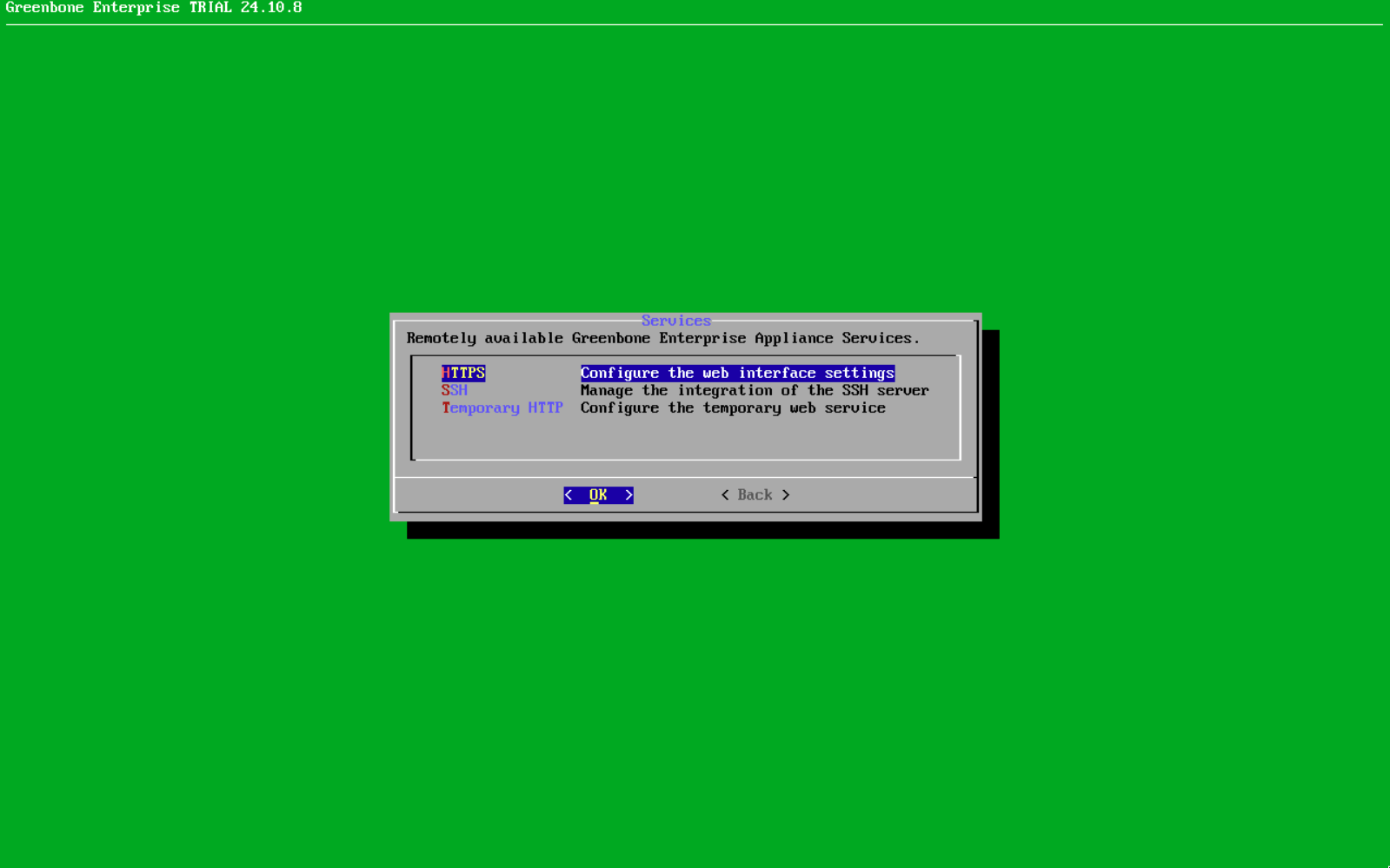
Yes, this is intended, the underlying OS for the OPENVAS SCAN virtual appliances have restricted access - modifying the OS/subsystem can void support agreement. These tools are not required for normal operation of the OPENVAS SCAN virtual appliance.
RE qemu-guest-agent: Greenbone VMs are packaged for each of the supported Hypervisors and come with the required tools for communication with the hypervisor. In this case the supported VM would be Proxmox VE and a custom image is available.
RE checkmk agent: OPENVAS SCAN VMs includes built-in appliance performance monitoring. The GOS 24.10 manual describes the Administration → Performance page that displays appliance resource utilization over selectable time ranges (last hour/day/week/month/year).
You can use the OPENVAS BASIC Order or OPENVAS FREE Order pages depending on whether you want a free two week trial of the Enterprise Feed. You should receive an email message from a Greenbone representative, and you can specify which Hypervisor you are using.
Also, my mistake, I should have pointed out that OPENVAS BASIC and FREE do not come with the full features of OPENVAS SCAN enterprise appliances. This may include enabling SNMP and SSH shell access.