tslocki
November 5, 2025, 12:27pm
1
Hello,
we’ve installed from source community version 24.3.0.
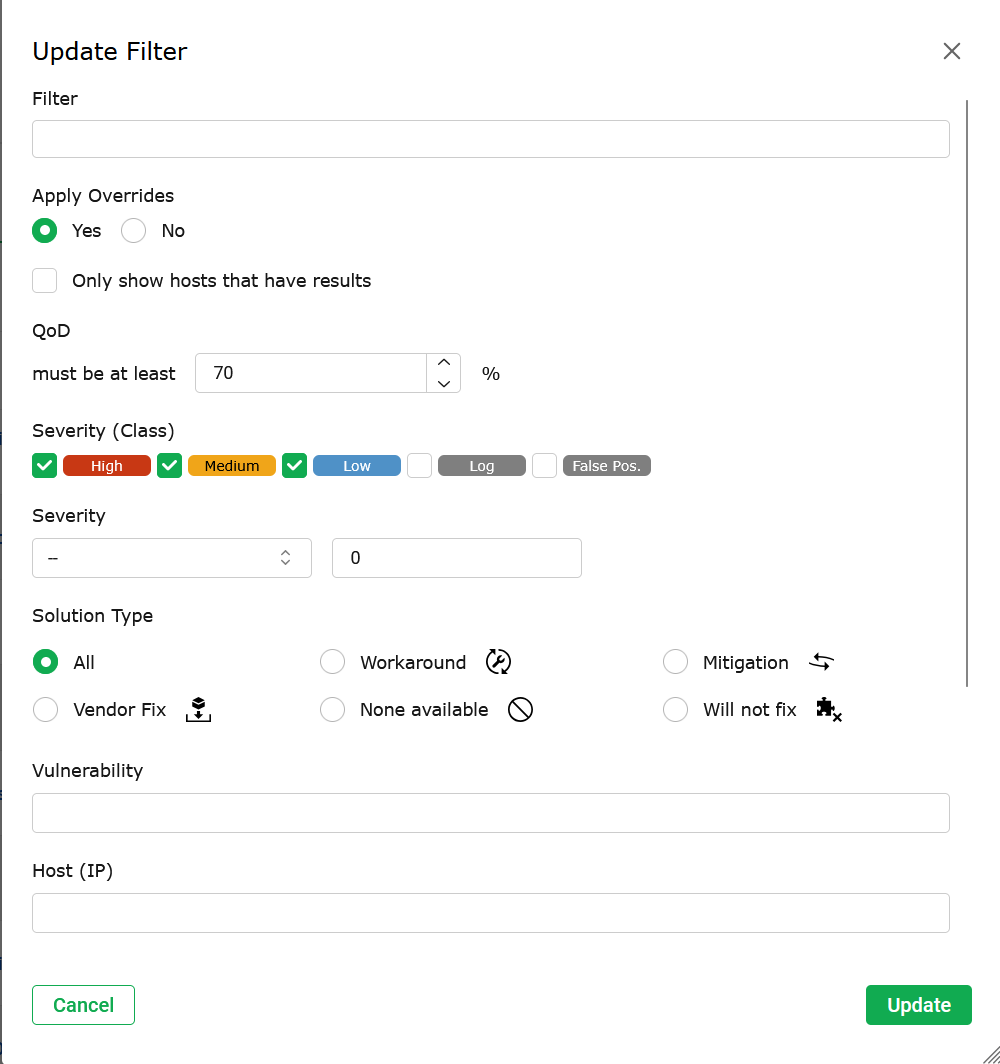
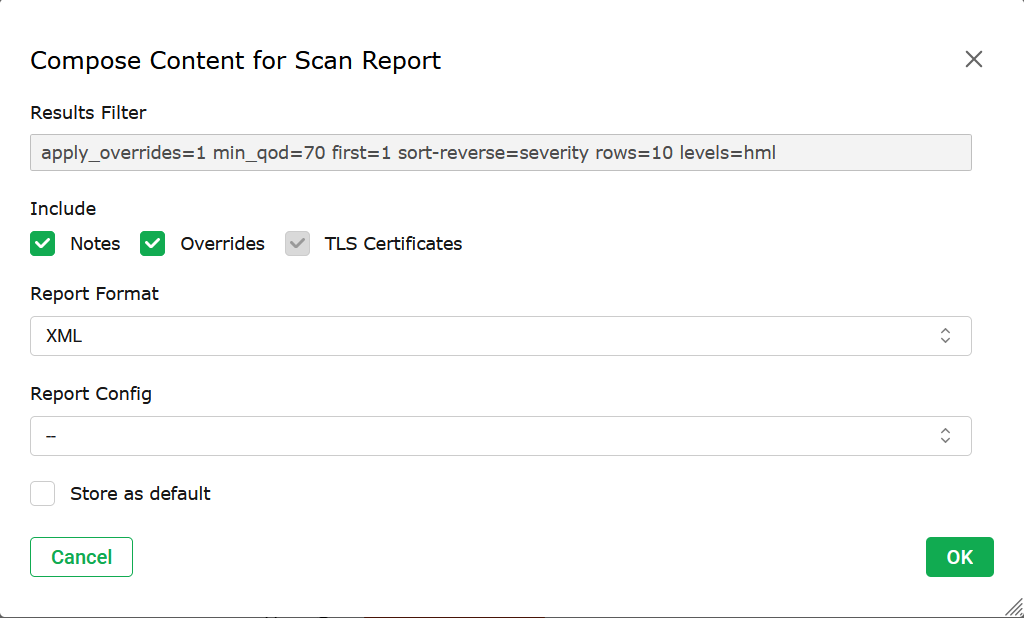
All works great except one thing - we can apply overrides on views and reports.
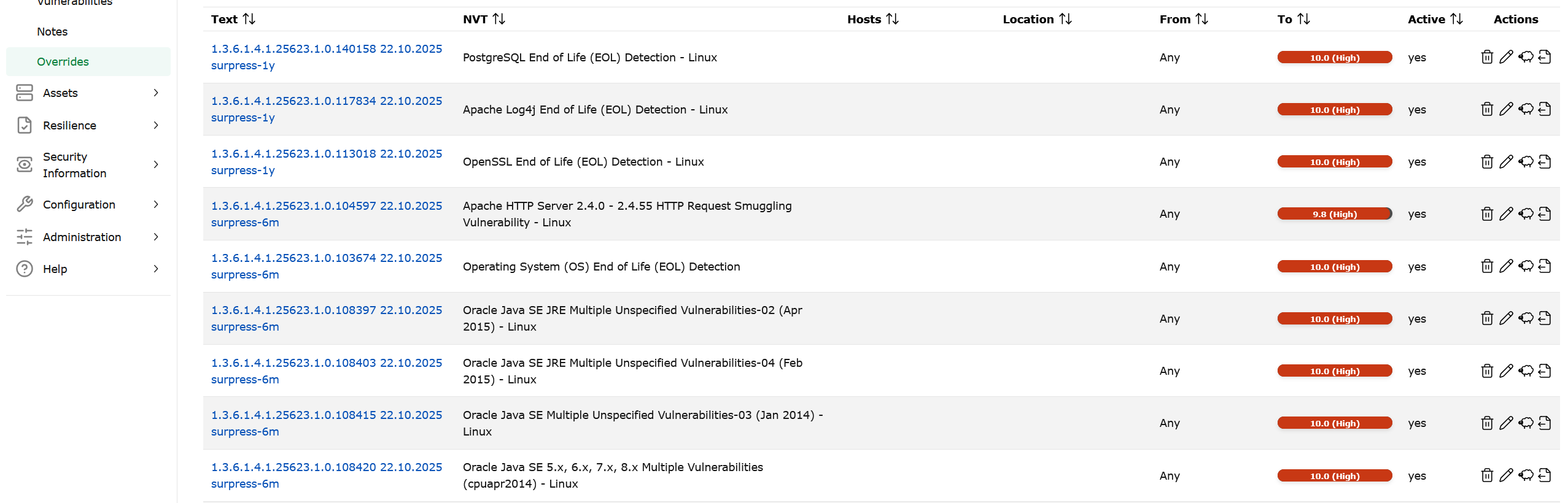
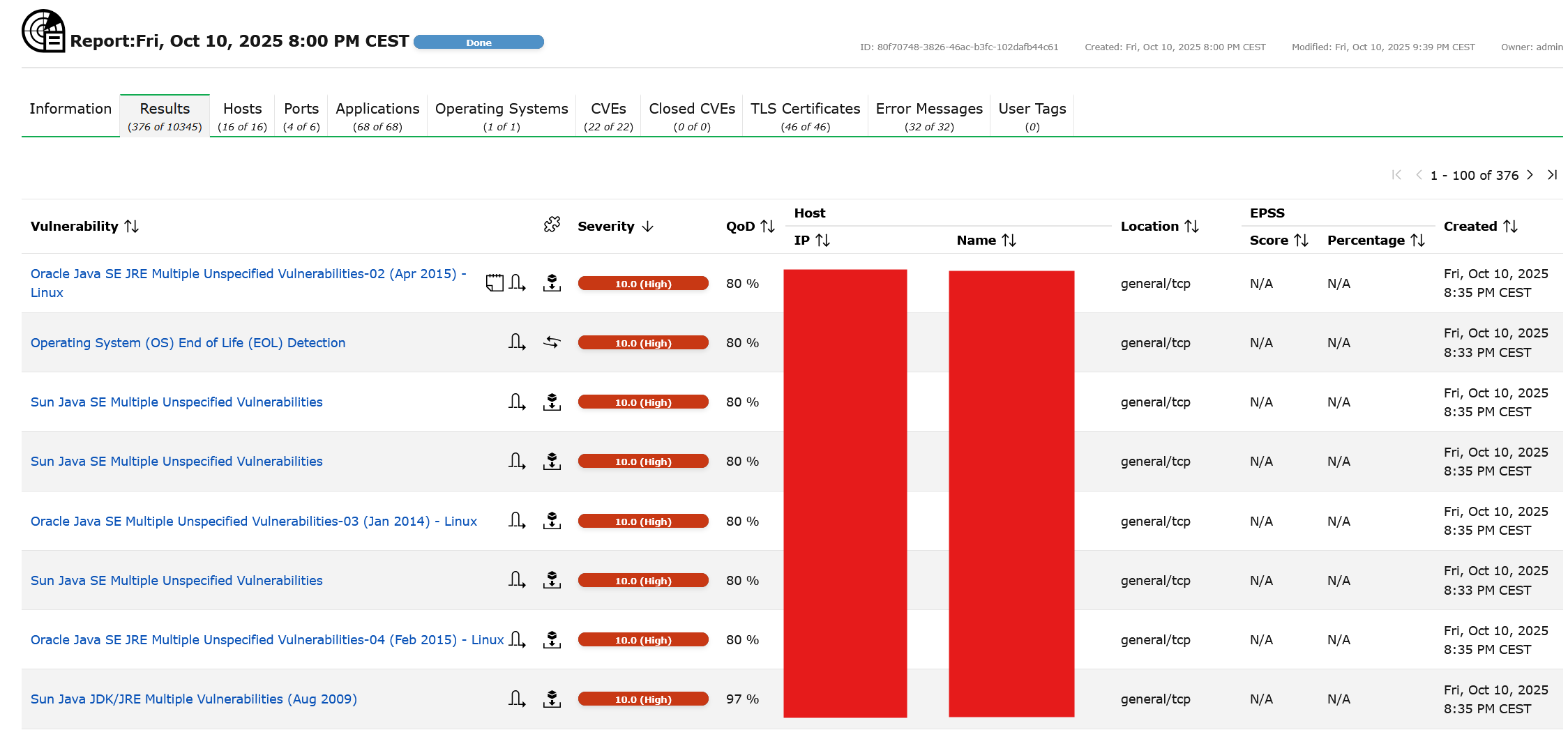
We set “Apply overrides” or define a filter, but we still get entries (OIDs) which we overrode.
Overrides
Update Filter
Compose Content for Scan Report
report - overrides still occurs
We don’t know if we do sth wrong with configuration, or there is a problem with that version of community edition.
Any ideas how to apply overrides?
Best regards
Tom
bricks
November 5, 2025, 12:52pm
2
Hi,
I am not sure if I understand you correctly. Do you want to get your overrides applied or do you want to not get the overrides applied?
In you screenshot the overrides have a new severity of 10. So I suspect it doesn’t make any difference if they are applied in this specific case.
tslocki
November 5, 2025, 3:48pm
3
Hi, we want to create an override for vulnerability, but without marking it as a False Positive.
We need time to mitigate few vulnerabilities, so we want to exclude it from next reports.
We can’t do this without marking it as a False Positive.
BR
Tom
rippledj
November 6, 2025, 12:47pm
4
Personally, I don’t see why you don’t want to override the selected items to “False Positive” status. This would allow you to filter them out of the report. After all, the report depends on the filter you assign to the results page and you can toggle the overrides on/off in the results filter. This is how it is meant to work.
So, intuitively, you can:
Set the override to change status to False positive
Enable the overrides in the report filter
Export/View the report with the overrides set
Disable the overrides
Export/View the report without the overrides set
tslocki
November 10, 2025, 8:11pm
5
Hi, Yes it is the easiest way. We’ll use False positive.
Thanks
system
February 8, 2026, 8:11pm
6
This topic was automatically closed 90 days after the last reply. New replies are no longer allowed.