I’m having an issue which I have seen mentioned a few times on the forum but with no definitive fix. When I run an export as PDF, critical vulnerabilities that are shown in my results do not appear. The count of vulnerabilities is correct, but there is no actual section for them in the report. Exporting to other formats like XML and TXT show that they are properly detected and appear. This is on version 25.0.4 installed via an .ova.
I see that a third party package Latex is commonly understood to cause this issue, but I can’t apply the typical fix as I can’t write to files in the report_config directory.
I am using OPENVAS BASIC .ova with Greenbone OS 25.0.4. I have no issues with critical results no appearing in my exported PDF reports. You will notice that the applied filter impacts the results that will be compiled into the report. Maybe your QoD filter is set wrong?
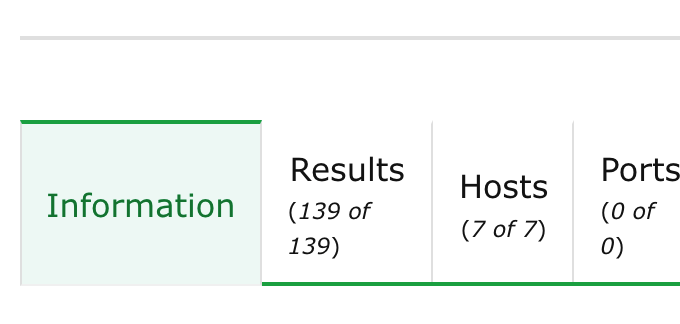
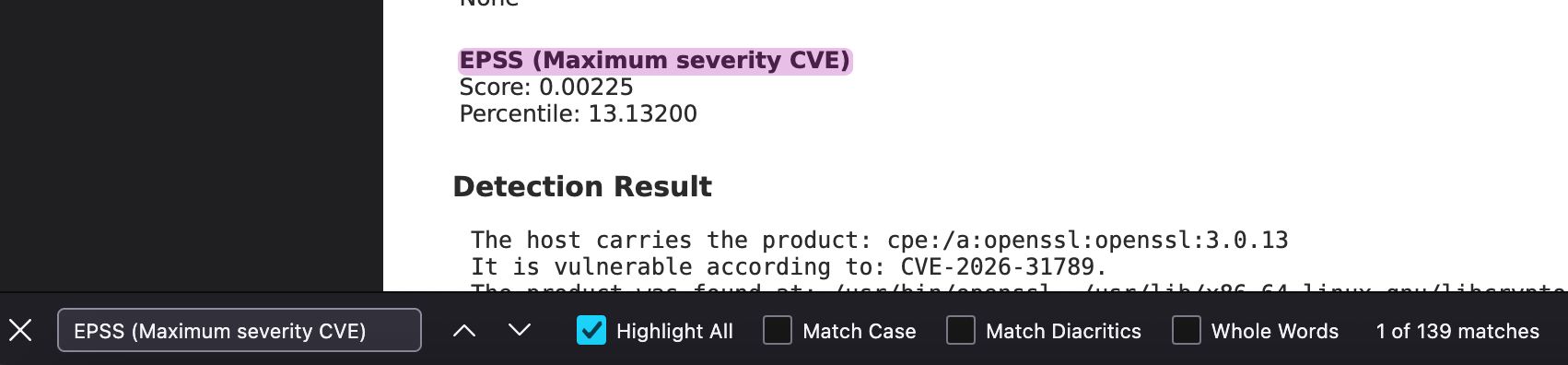
Although it would be nice to have a definitive total number of results included in the Vulnerability Report PDF report itself, you can see that the total number of results from my task view matches an arbitrary string search that appears once in every vulnerability. For the GXR PDF and GSR PDF reports the total matches the chart on page 4.
The GXR PDF report is an Executive Summary report and thus does not include specific result details. I’m unsure what issue you are facing, but perhaps you can provide details about which report, and the filters you are using. Which vulnerabilities/CVEs are missing?
@Eero Yes, the feature to actually download the pdf is available and seems to work, it’s just missing vulnerabilities. Sadly, the fix you mentioned didn’t seem to work for me. Running this on OpenVAS FREE 25.0.4. Seems like a debian os but I imported from the OVA so I didn’t actually install anything.
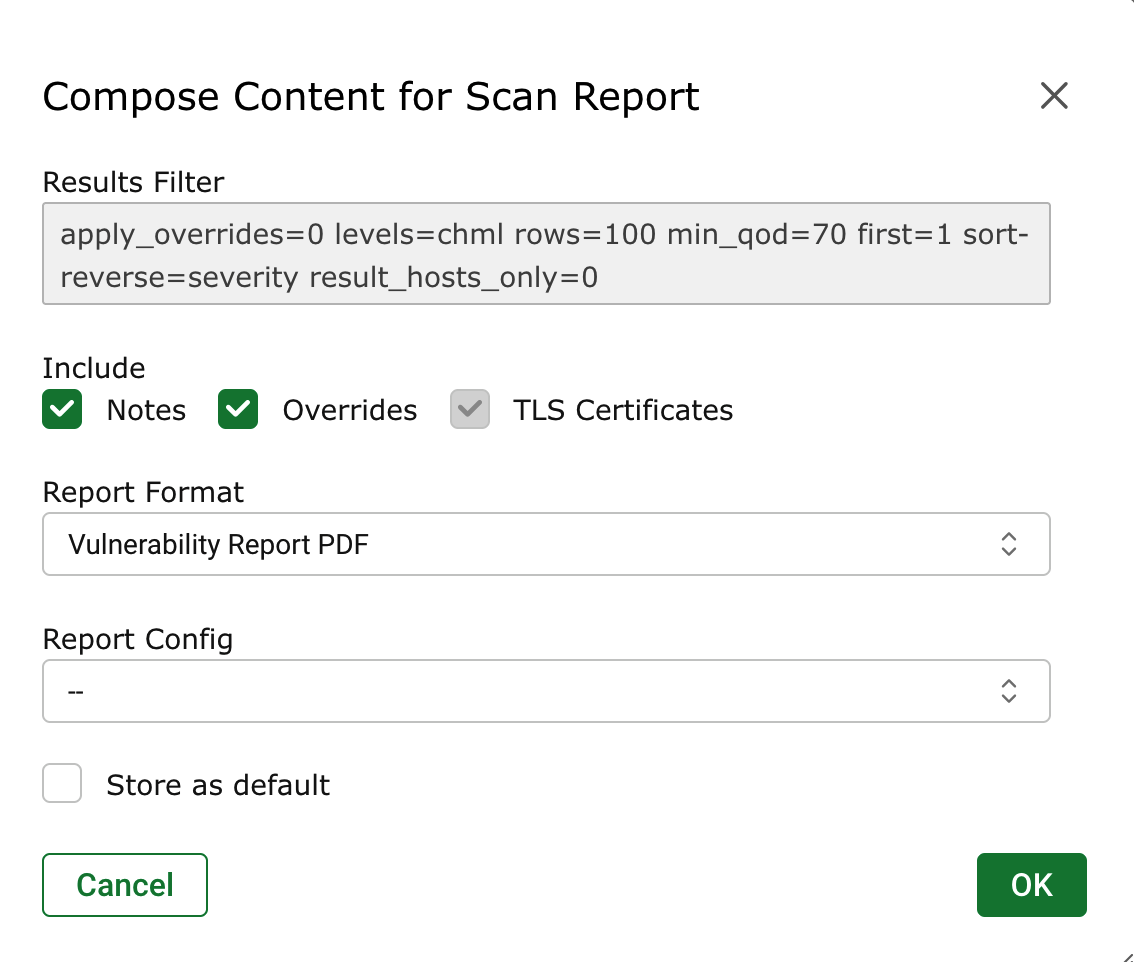
@rippledj I’m using the FREE version of OpenVAS, not sure if that is the same as basic. My applied filters are basically the default and I am encountering this issue when running the default “PDF” report that comes with the free version. QoD of the found vulnerabilities is 80 and the filter for the results is set to 70. Setting QoD to 0 results in everything but the critical vulnerabilities being shown.
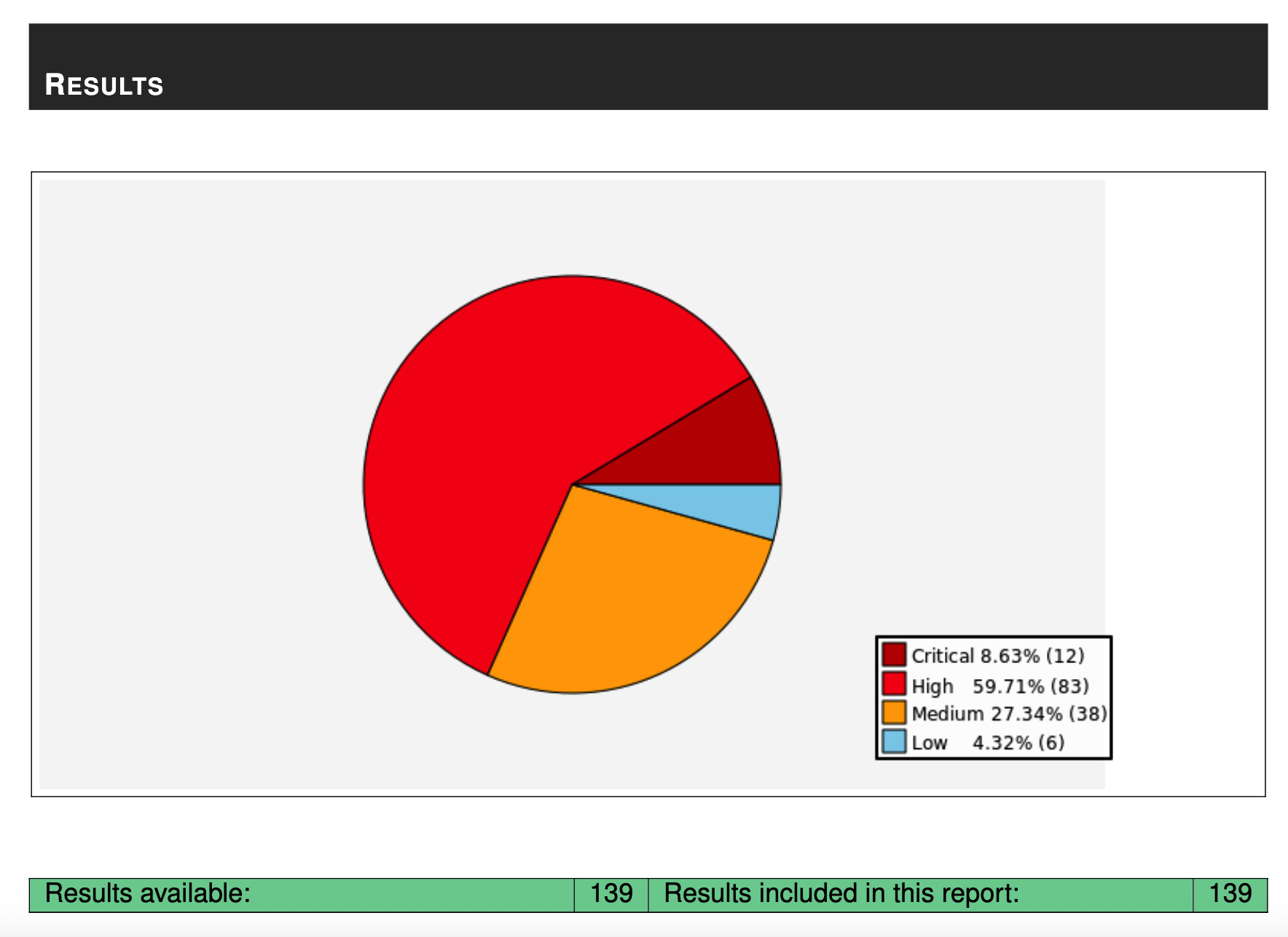
The total number of results is correct, it’s just that it doesn’t show any tables for the critical vulnerabilities (i.e report mentions 4 critical vulnerabilities, but they don’t show up in the actual report.)
These OVA images are maintained by Greenbone, and to be honest, I have never actually used them myself. You could try verifying whether the same functionality works on Kali Linux using the GVM packages, or alternatively by installing Debian 13 and building Greenbone/OpenVAS from source (although that is not exactly a straightforward process).
If everything works correctly in OpenVAS under one of those setups, then the issue is most likely related to the OVA image itself rather than OpenVAS/GVM.
Note that report formats are distributed via the feed. We recently fixed several issues for the “PDF” report format, including the missing Critical-severity results. The fix should be included in the OPENVAS ENTERPRISE FEED with PDF report format version 20260528.
It is possible that the fix has not been shipped for the OPENVAS COMMUNITY FEED yet. @meehann Can you check the PDF report format version in the menu Configuration → Report Formats please?
Thanks for replying. Seems like the report version I have is 20250211, so I’m guessing that is the root of the issue. If there’s no easy way to update the report config, I can just try setting up openvas manually on a distro.
I’m running the community version which doesn’t seem to include the enterprise feed by default, as that is a paid feed. After syncing the community feed, it doesn’t seem to include the updated PDF config. Although it does mention that it is 32 days old, triggering a new sync doesn’t seem to update it.
That restriction on the report_config directory is a common hurdle with OVA deployments. Since you mentioned the XML and TXT exports are working correctly, it definitely points toward the PDF rendering engine or the specific template logic. Have you tried checking the logs during the export process to see if there are any specific LaTeX environment errors being thrown?
Seems the feed update fixed the report format. I had rsync outbound blocked which seemed to prevent me from properly updating the feed. PDF now exports properly with version 20260713.