Hello I am trying to configure the Community Edition of Greenbone. I am currently using the free .OVA file that I downloaded from the website.
I tried running the following commands:
sudo greenbone-feed-sync and I tried using the --type argument for ex. sudo greenbone-feed-sync --type nvt

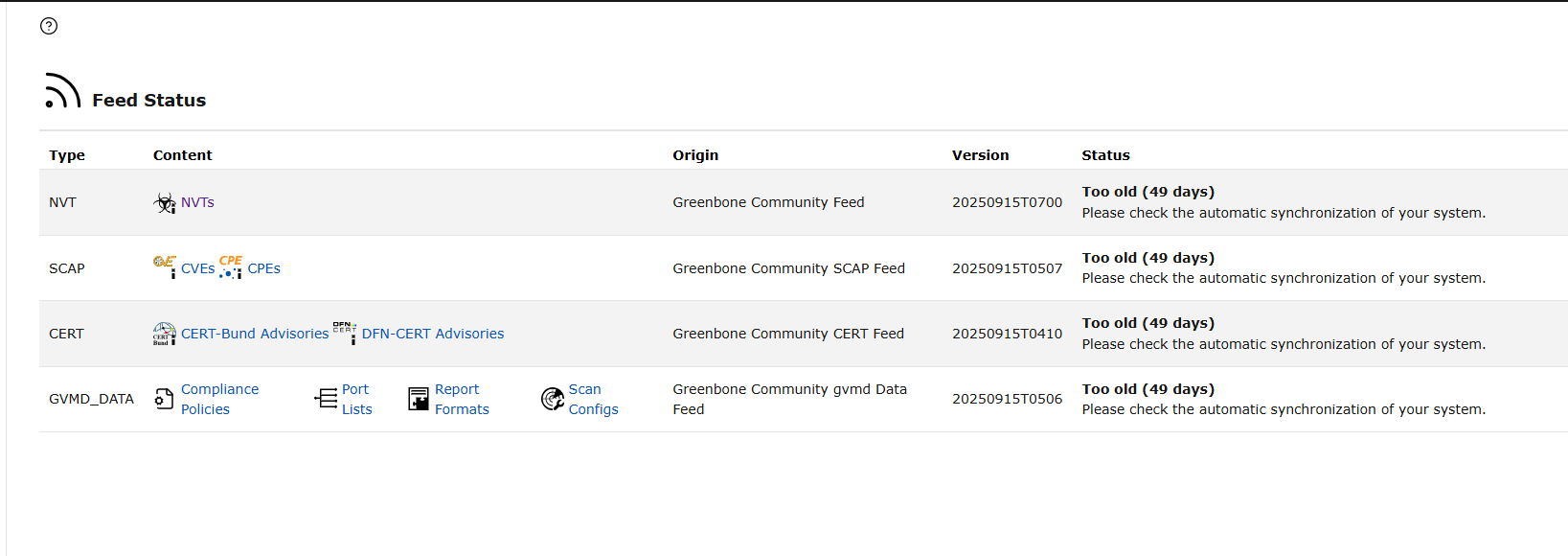
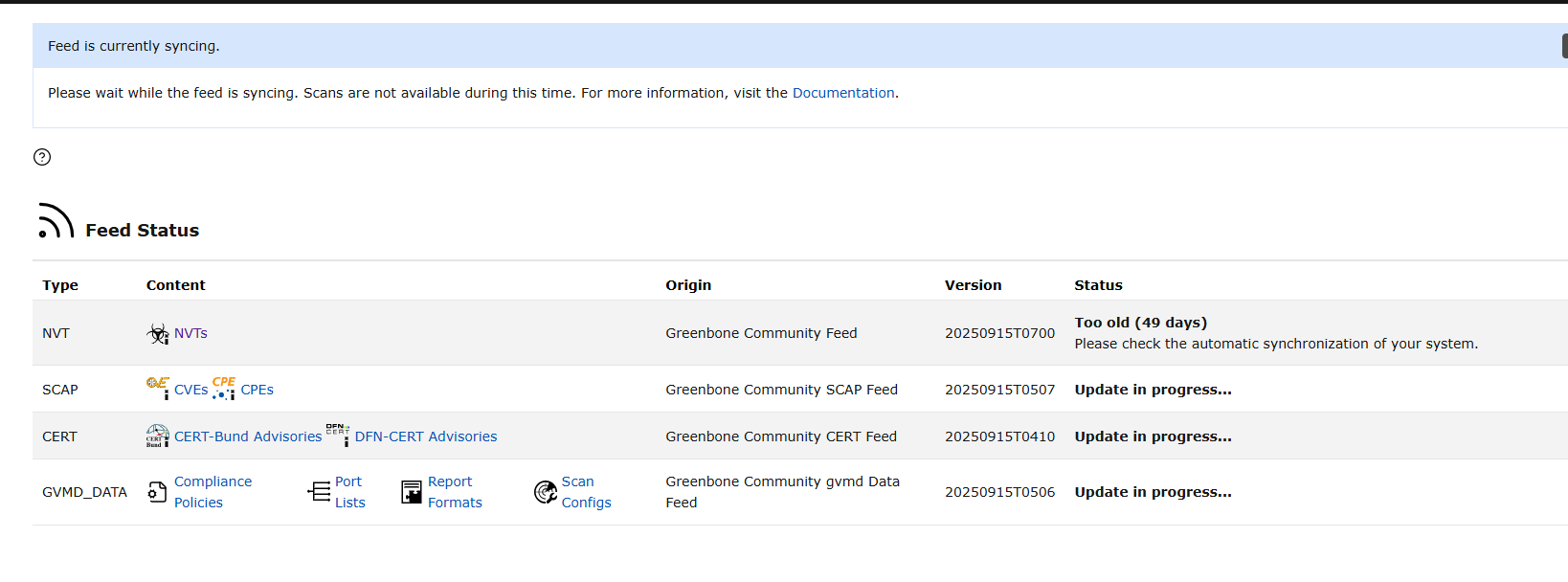
The feed will appear to have an update in progress but will then revert back to "too old (49 days). Please see screenshots for reference.
Ensure that the rsync protocol is open for outbound connections.
The rsync protocol is commonly used for fast and efficient file synchronization and transfer between systems. It operates over TCP port 873 by default.
Most important the ova is a testing version of Greenbone’s product. It doesn’t use greenbone-feed-sync and instead you need to update the feed via the console UI.
Thanks for the replies, I confirmed with Portquiz.net that port 873 is open. I have tried re-importing the .OVA. and the problem persists.
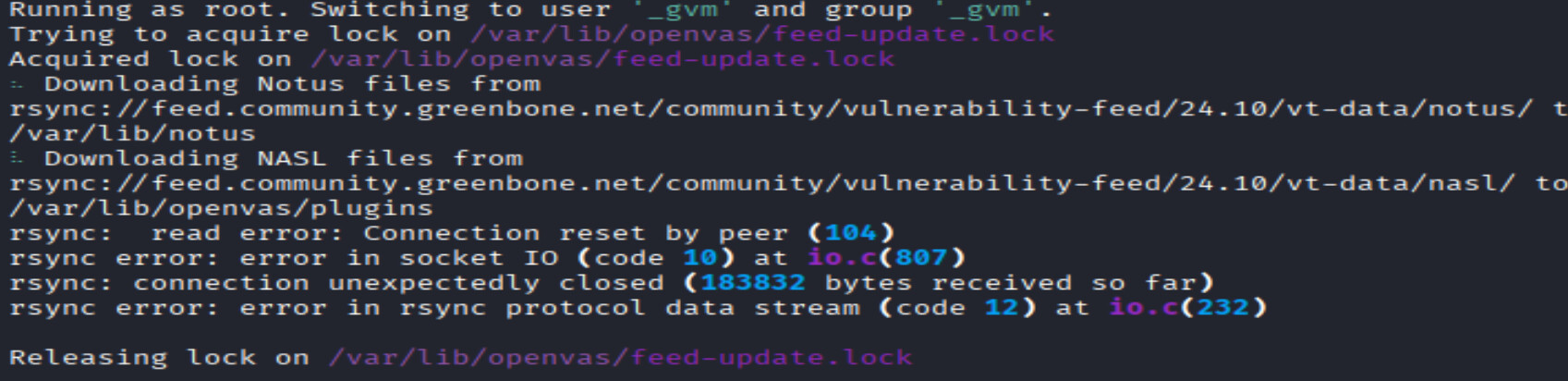
I’ve decided to build it out myself using Kali Linux and I am now noticing an error when running command: sudo gvm-setup. There is an R sync error, please see attached screenshot. Anyone familiar with this error message?
Turns out the issue was the latest version of Virtual box which is 7.2.4. I downloaded an older version (7.0) re-imported the community .OVA file and was able to update the feed without any issues.
The Virtual Appliances availabel for download and trial on the website are not the “Community Edition”. They are ENTERPRISE TRIAL editions. This may only become important since if you are using a TRIAL subscription key, the default rsync happens on port 24 over SSH not over traditional rsync port TCP 873.